Vento
Fast, fluid VNC/RDP remote desktop client for Android, with touchpad-style controls and multiple client backends.
Desktop app
Vento is also available for Linux (currently x86_64 only) with native Wayland/X11 support.
Features
Multiple backends
Multiple client implementations for VNC, RDP and SPICE are included and can be set per-connection.
Hardware acceleration
Video is decoded using the GPU where supported (H.264 with FreeRDP and TigerVNC, H.264/H.265/VP8/VP9/AV1 with RustDesk).
Stablity
I use this myself daily, and put a lot of work into ensuring it's stable, efficient, and robust. I've also contributed to other projects in this area.
Clipboard
Copied text is sent to and from the remote machine. Each direction can be turned off separately.
Audio
Supports playing audio from the server where supported.
Open source
GPL-3.0, no ads, no tracking, and reproducible builds. The control library is MIT so it can be used in other apps.
Android
Touchpad-style controls
Tap to click, two or three fingers to right or middle click, double-tap then drag to drag, two fingers to scroll, and pinch to zoom. You can also fling the cursor.
Accuracy assists
Improved precision for slow motion, axis locking, adaptive acceleration, and hovering.
Keyboard and mouse
Physical keyboards and mice are supported, with proper modifier and layout handling. The extension keyboard provides keys missing on soft keyboards.
IME fixes
Workarounds for composition and newline bugs in various Android IMEs.
Multi-window
Sessions can be opened in multiple windows, side by side with each other or another app.
Material Design 3
Follows the system colors and the light/dark theme.
Saved credentials
Saved passwords are encrypted with AES-256-GCM by a hardware-backed keystore. Server fingerprints are also stored and verified.
Import and export
Connections and settings can be exported and imported, with or without saved passwords.
Playground
A fake desktop for testing input and adjusting the control settings without a server.
Linux
Native app
No Java, Electron, or anything like that. GPU-rendered, low-latency, and resource-efficient.
X11/Wayland
First-class display protocol support with input grabbing, clipboard, window management, etc.
Automatic input grabbing
Keyboard shortcuts and relative pointer motion just work.
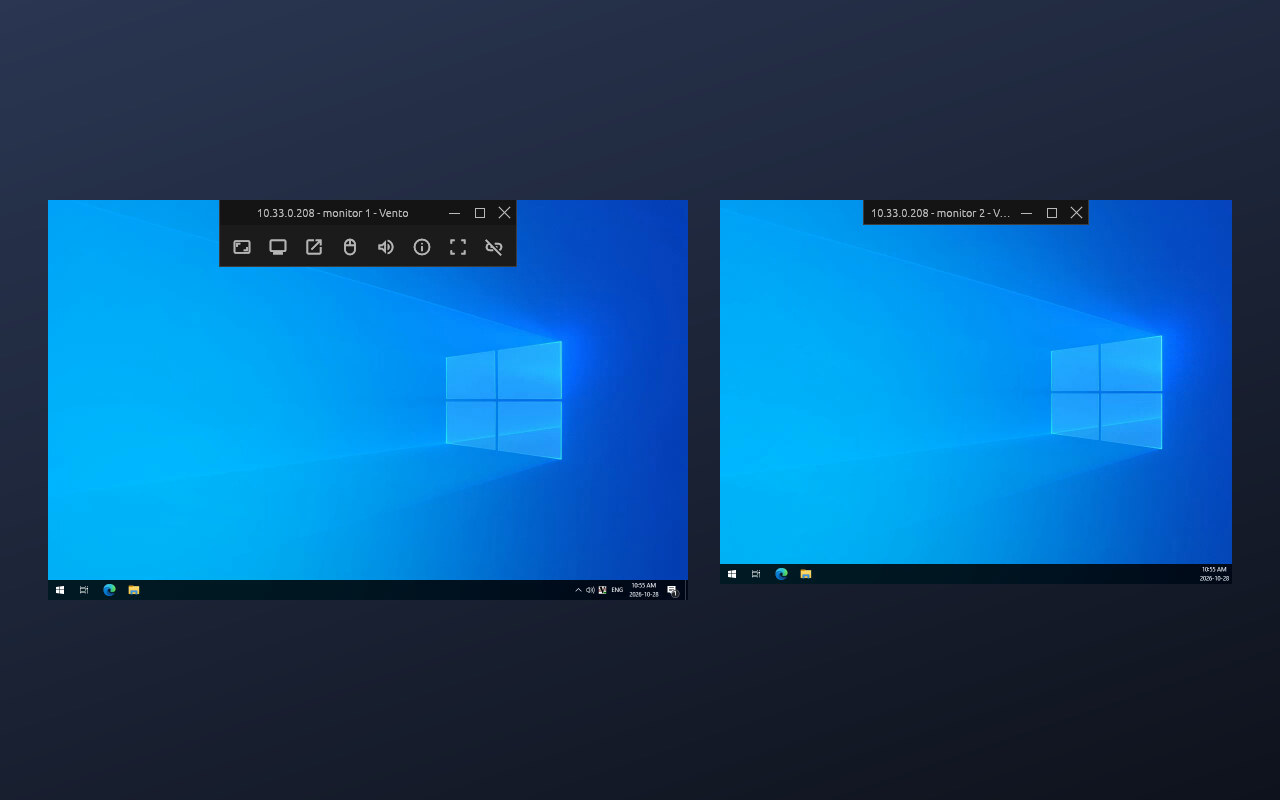
Multi-monitor pop-out
Where supported by the protocol and server.
Unobtrusive toolbar
Does not take up desktop space, and is completely hidden (but still accessible) in fullscreen
Self-contained builds
Only requires glibc.
Backends
Each connection can use a different client implementation.
LibVNCVNC
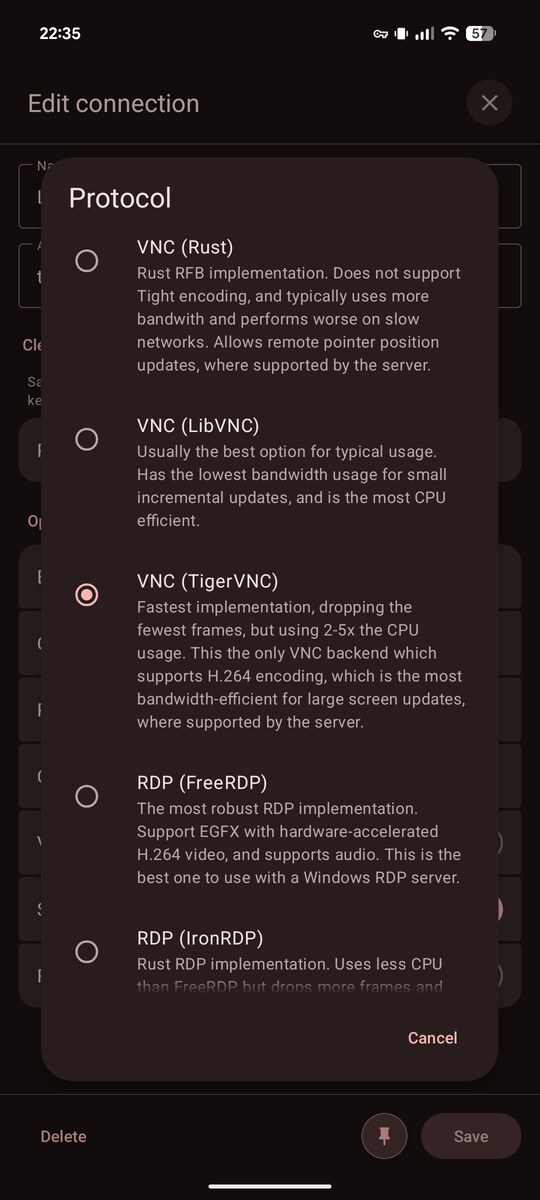
Usually the best option for typical usage. Has the lowest bandwidth usage for small incremental updates, and is the most CPU efficient.
TigerVNCVNC
Fastest implementation, dropping the fewest frames, but using 2-5x the CPU usage. This is the only VNC backend which supports H.264 encoding, which is the most bandwidth-efficient for large screen updates, where supported by the server. It also supports QEMU audio.
RustVNC
Rust RFB implementation. Does not support Tight encoding, and typically uses more bandwidth and performs worse on slow networks. Allows remote pointer position updates, where supported by the server.
FreeRDPRDP
The most robust RDP implementation. Supports EGFX with hardware-accelerated H.264 video, and supports audio. This is the best one to use with a Windows RDP server.
IronRDPRDP
Rust RDP implementation. Uses less CPU than FreeRDP, but drops more frames and does not properly support EGFX.
SPICESPICE
Usually used for QEMU/libvirt/Proxmox virtual machines. Supports clipboard and screen resizing if the guest agent is running.
RealVNCVNC
RealVNC's proprietary client implementation. This is the only one which supports UDP, ZRLE2, and RealVNC's proprietary authentication/encryption. It performs significantly better than the others when connecting to a RealVNC server.
RustDeskRUSTDESK
RustDesk backend supporting direct or rendezvous connections. Uses hardware-accelerated video codecs
RealVNC plugin
The RealVNC backend is a separate APK since RealVNC's client library is proprietary and can't be redistributed. The standalone plugin does not contain the client library either, and you will need to provide a RealVNC APK (e.g., from APKMirror) to use it.
RustDesk plugin
The RustDesk backend is also available as separate APK.
Screenshots
Android
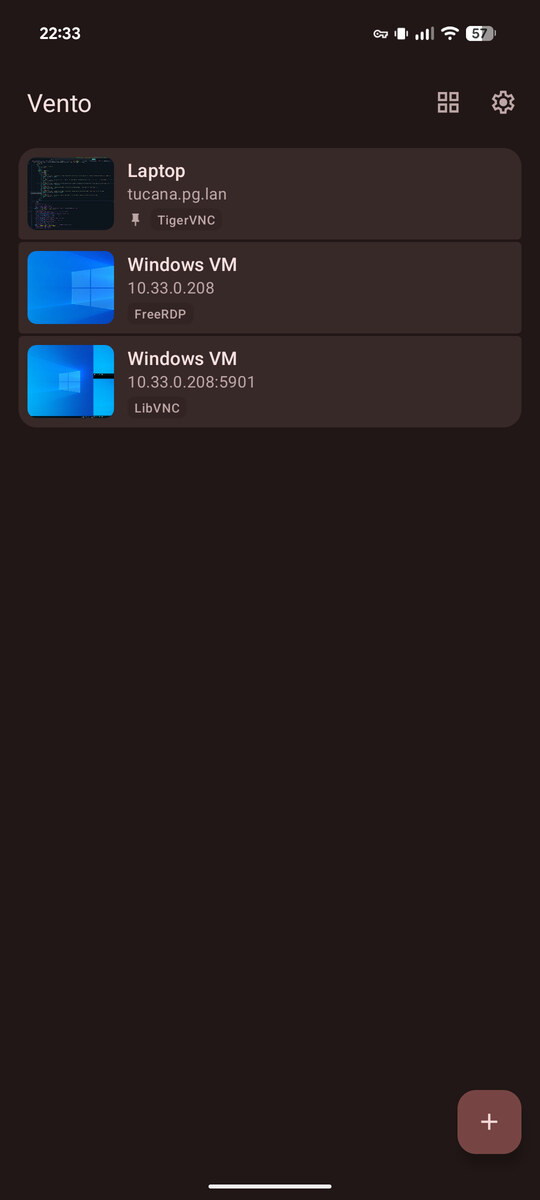
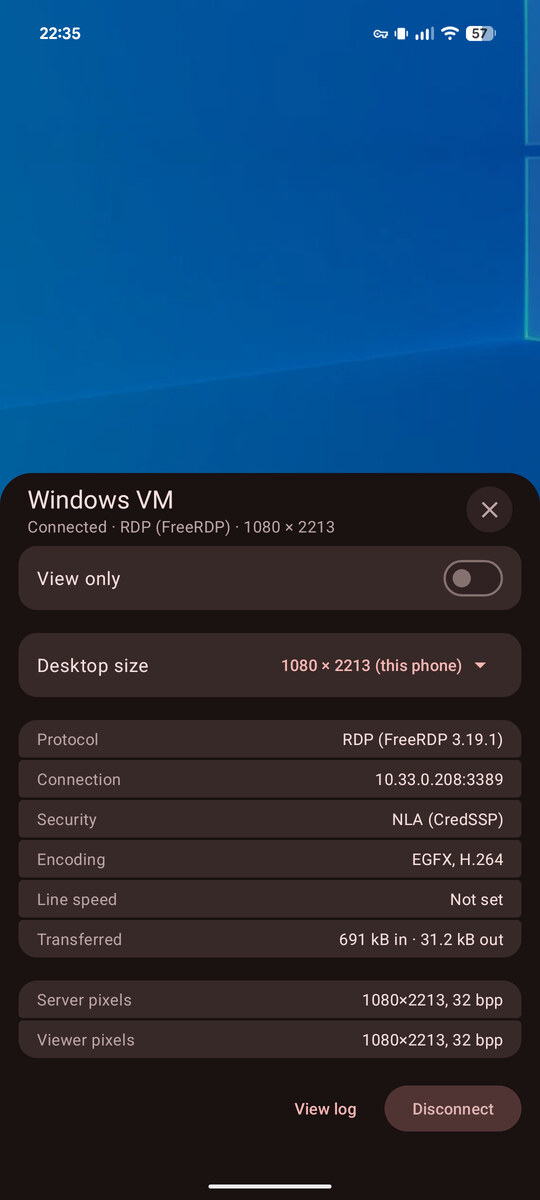
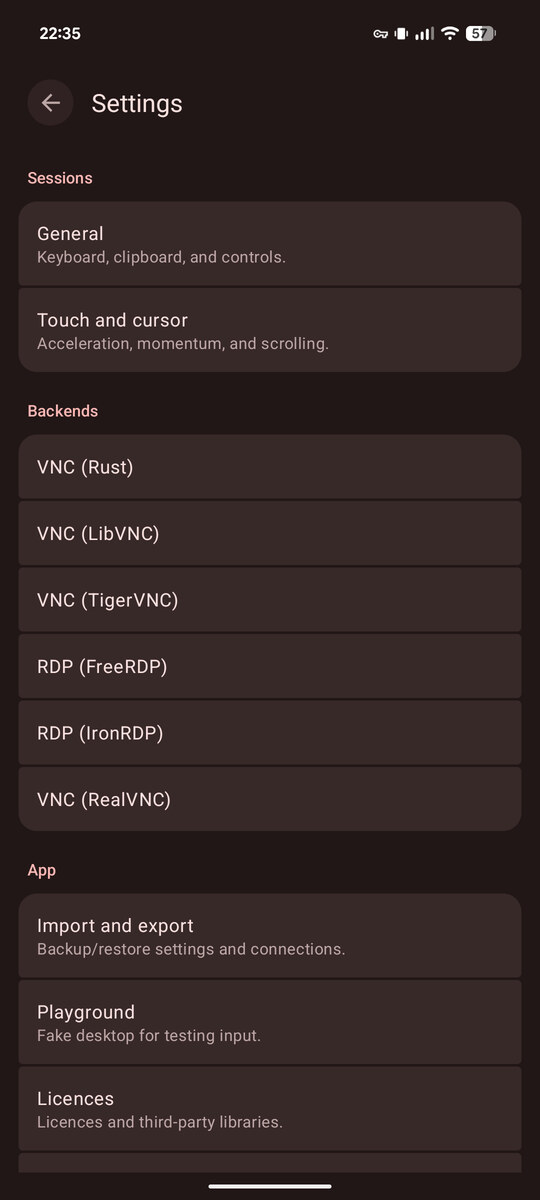
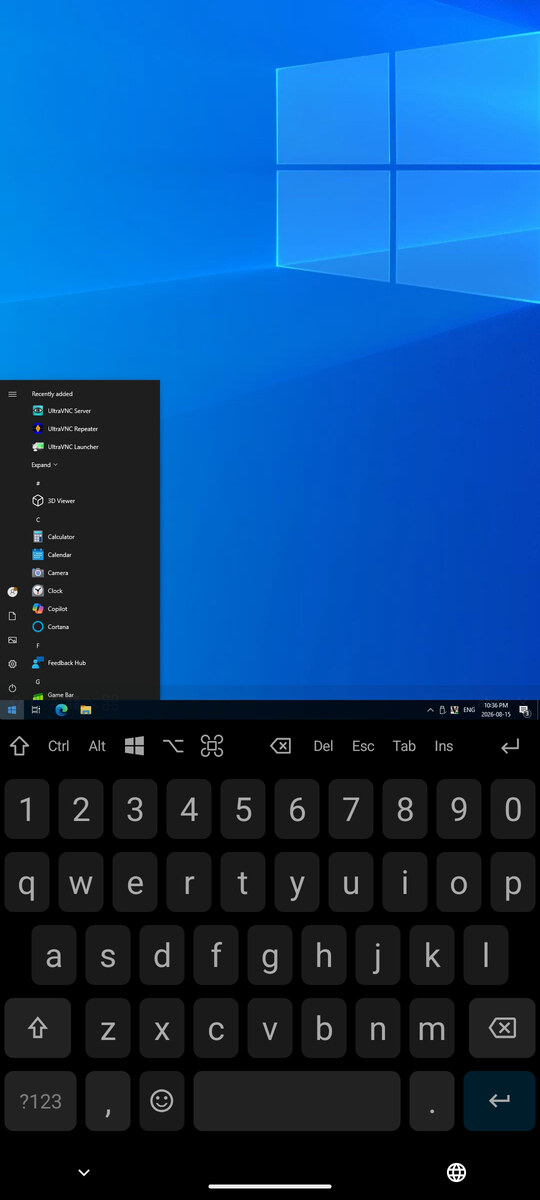
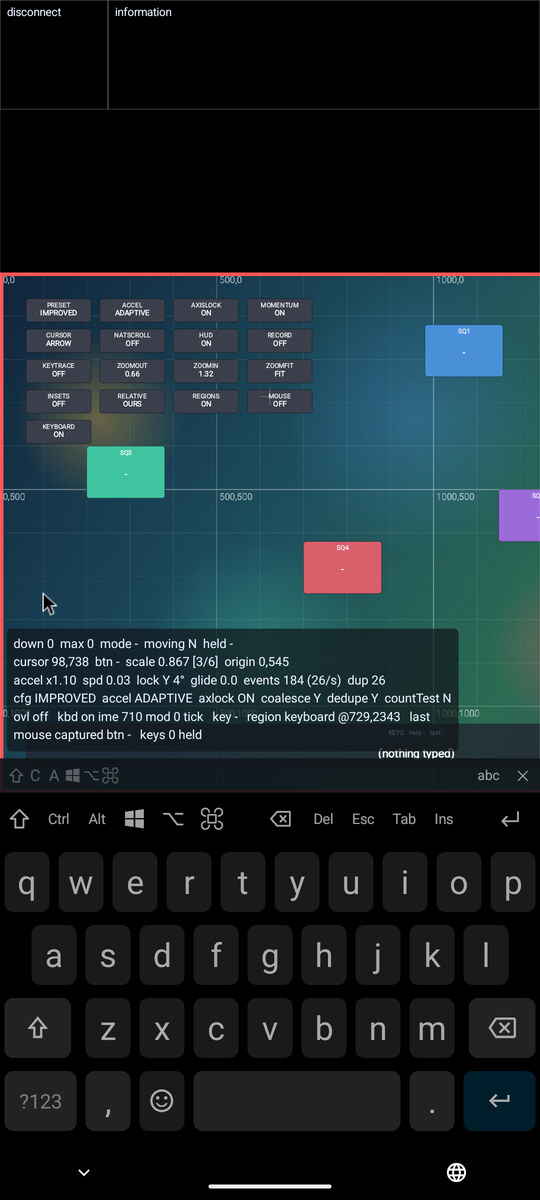
Linux
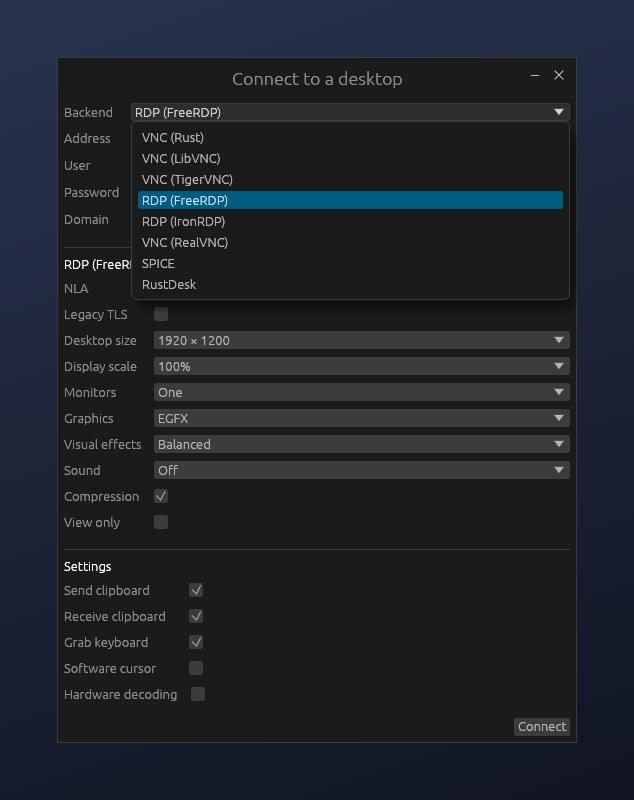
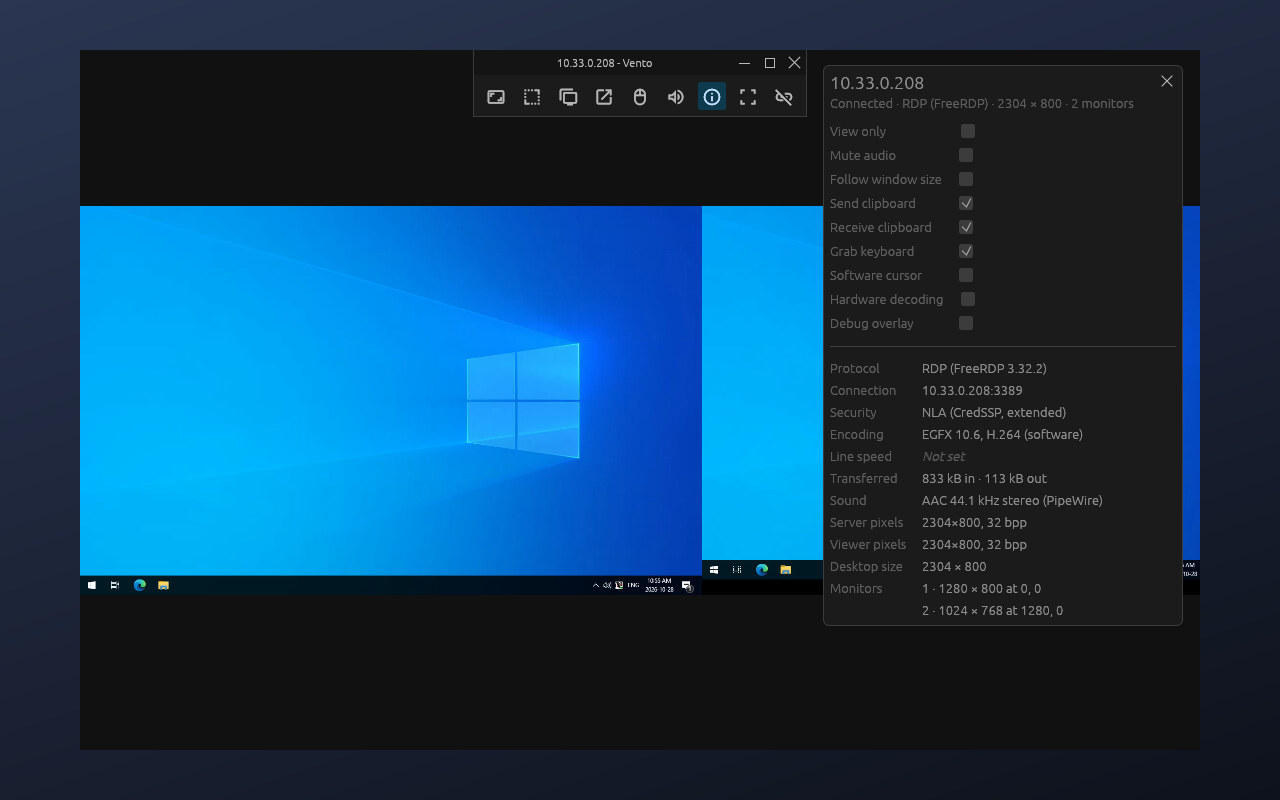
What's new
Version 8
- Detect plugins installed or updated while the app is running.
- Minor UI improvements.
- IronRDP: Fix reconnecting to a disconnected Windows session with NLA getting stuck on "Please wait".
- FreeRDP: Show the audio toggle when the sound channel is connected instead of at playback.
RealVNC
- Fix a crash when two sessions connect at the exact same time.
- Fix the transferred data count jumping after an automatic reconnect.
RustDesk
- Fix regression causing sessions with audio enabled to freeze the app on disconnect.
- Try all resolved addresses for direct connections to hostnames.
Linux
- Support client-side decoration with minimal overlay title bar.
- Make connection dialog window more compact when using client-side decoration.
- Add a toolbar button to resize the window to remove black bars in scaled modes.
- Add --fullscreen to start sessions in fullscreen.
- Add app ID for window matching rules.
- Make keyboard capture work with mouse button bindings (X11).
- Minor toolbar usability improvements.
- Improve internal event handling.
- Add workaround for windows key on RDP/SPICE when keyboard layout maps super to meta.
- RealVNC: Automatic APK download.
- LibVNC/TigerVNC/RealVNC: Improve handling of Windows domains in usernames.
Version 7
- Reduce audio latency.
- Add audio toggle to panel.
- Improve connection status messages.
- Show the audio format and whether video is decoded in hardware in the info panel.
- Various minor improvements, optimizations, and bugfixes.
- SPICE: Support audio playback.
- SPICE: Support the back and forward mouse buttons.
- LibVNC/TigerVNC: Ask about trusted certificates with valid signatures too.
- FreeRDP/IronRDP: Fix logging in with a Microsoft account email.
- FreeRDP: Support AAC and Opus audio.
- IronRDP: Add experimental EGFX support.
- IronRDP: Support audio playback.
- TigerVNC: Update to ed951a41.
- FreeRDP: Update to 3.32.2.
- FreeRDP: Update OpenSSL to 3.5.9.
- IronRDP: Update to e899a826.
- IronRDP: Update sspi to 0.23.0.
- SPICE: Update ryll to 0.3.0.
RealVNC
- Make logs less noisy.
- Improve connection progress message layout.
RustDesk
- Update protocol to RustDesk 1.5.0.
- Support RustDesk 1.5.0's new key exchange mechanism.
- Support audio playback.
- Show hint in password prompt when waiting for the remote user to accept the connection.
- Support IPv6 rendezvous and relay servers.
- Fix VP9 and AV1 colours.
- Improve cursor image caching.
- Various minor improvements, optimizations, and bugfixes.
Linux
- Initial release.
- Native X11 and Wayland support including keyboard grabbing, cursor, clipboard, window management, etc.
- Audio (PipeWire, ALSA).
- Optional hardware video decoding (VAAPI).
- Command-line connection options.
- Self-contained release builds (only needs glibc).
- Fit, fill, and auto scaling, plus dynamic resolution support.
- Multi-monitor pop-out windows.
- Supports all backends.
Version 6
- TigerVNC: Update to dd416cbf.
- FreeRDP: Update to 3.32.0.
- FreeRDP: Update OpenSSL to 3.5.8.
- LibVNC/TigerVNC: Update libjpeg-turbo to 3.2.0.
- LibVNC/TigerVNC: Update nettle to 4.0.
- IronRDP: Update to 9b151c4c.
- SPICE: Update ryll to 3ba0f24.
- TigerVNC: Fix Tight decoding with older servers.
- TigerVNC: Support the QEMU audio extension.
- FreeRDP: Require TLS 1.2 and 2048-bit keys by default.
- FreeRDP: Add option to allow legacy TLS.
- FreeRDP: Show negotiated security layer and graphics pipeline version in the info panel.
- IronRDP: Improve compatibility with third-party servers.
- IronRDP: Improve disconnect messages.
RustDesk
- Update protocol to 3d6fb2c.
Version 5
- Update app metadata.
Version 4
- Internal bugfixes and refactoring.
- Tweak two-row extension keyboard layout.
Version 3
- Add hover assist based on cursor changes.
- Add toolbar option for session controls.
- Add two-line extension keyboard option.
- Allow option/command keys to be hidden.
- Fix IPv6 issues with some backends.
RustDesk
- Fix cursor origin on secondary displays.
- Improve error messages.
Version 2
- Add SPICE backend.
- Enable AnonTLS VNC auth for LibVNC and TigerVNC.
- Add button to share a full-size screenshot.
- Fix in-app plugin uninstall button.
- Apply input setting changes to existing sessions.
- Improve panning behaviour, add option to add margins.
- Add more reset options.
- Implement app shortcuts and home screen pinning.
RustDesk
- Initial release.
Version 1
- Initial release.
RealVNC
- Initial release.