cmus for Android
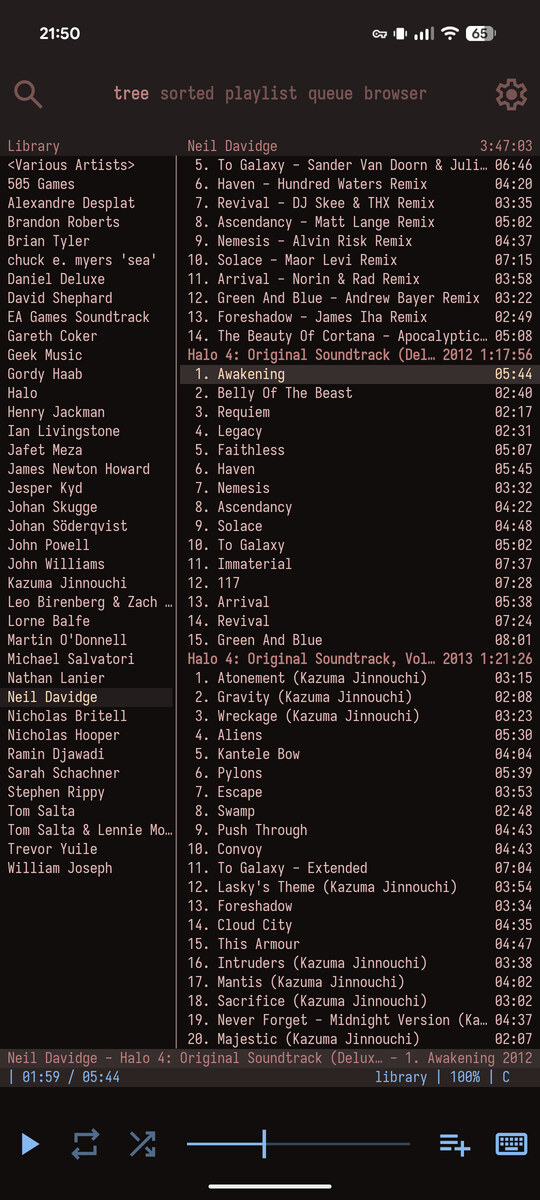
Port of the cmus music player for Android, with system integration and some extra UI features.
Features
Upstream cmus
This app embeds a statically compiled cmus build and works with existing keybindings, commands, and config files.
Touch controls
A top bar with the live filter, views, and settings, and a bottom bar with play, repeat, shuffle, seek, volume, queue, and the keyboard.
Joystick
A floating dot for efficiently scrolling and switching panes/views.
Long-press actions
Long-press a track or playlist to remove it or add it to a playlist.
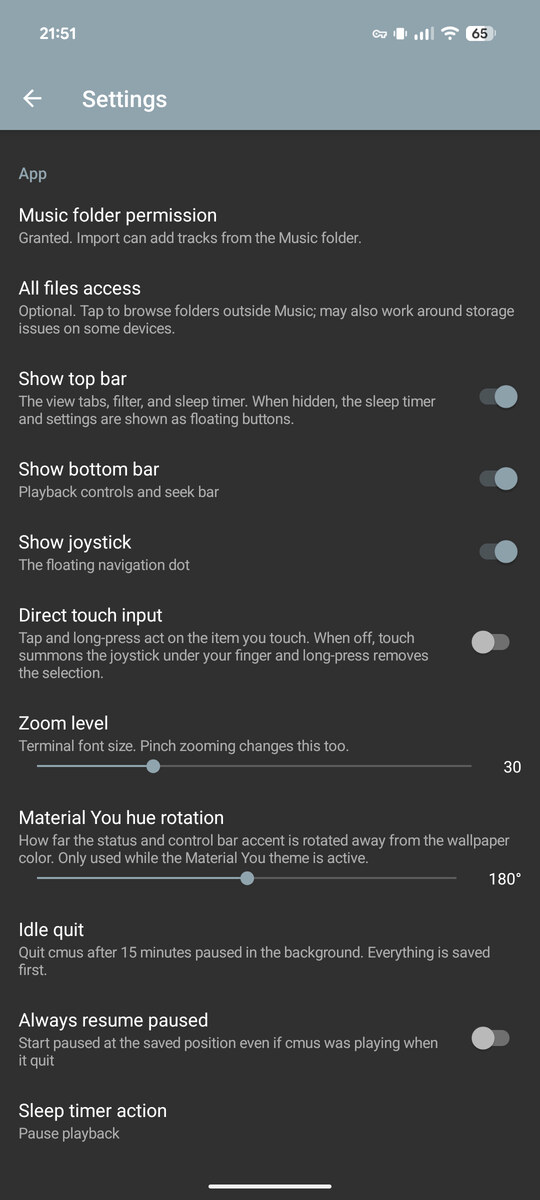
Settings view
A graphical view with the app-specific options, plus most of the relevant cmus ones.
System integration
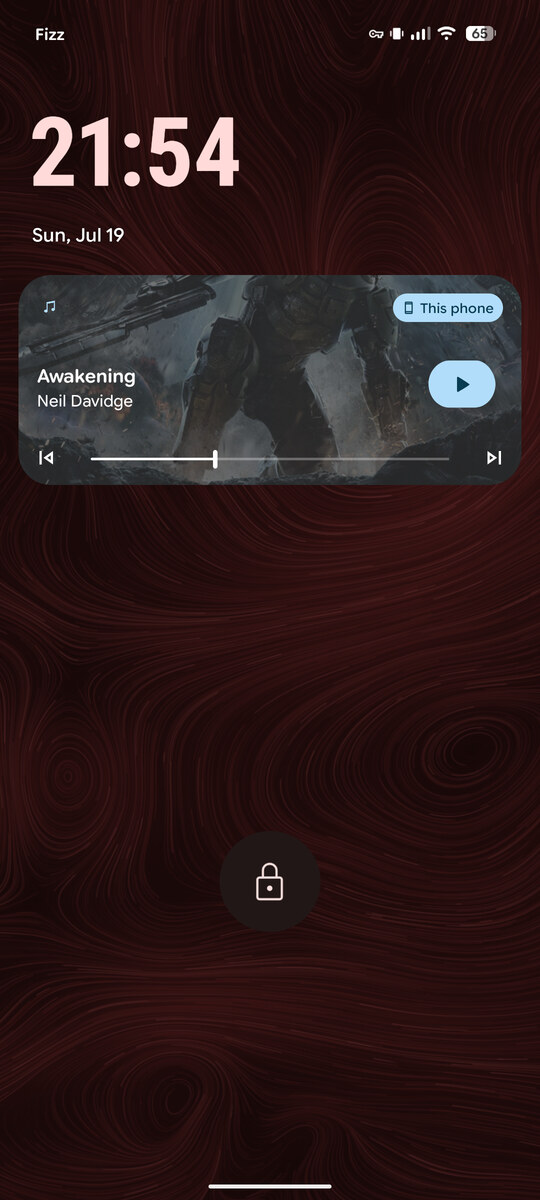
Media controls and metadata on the lock screen, media buttons, album art, audio ducking, and AAudio output.
Power usage
The app stops cmus when idle and restarts it when used. The state is saved continuously and automatically restored. Also, cmus uses less CPU than most other apps which use the native Android codecs.
Colors
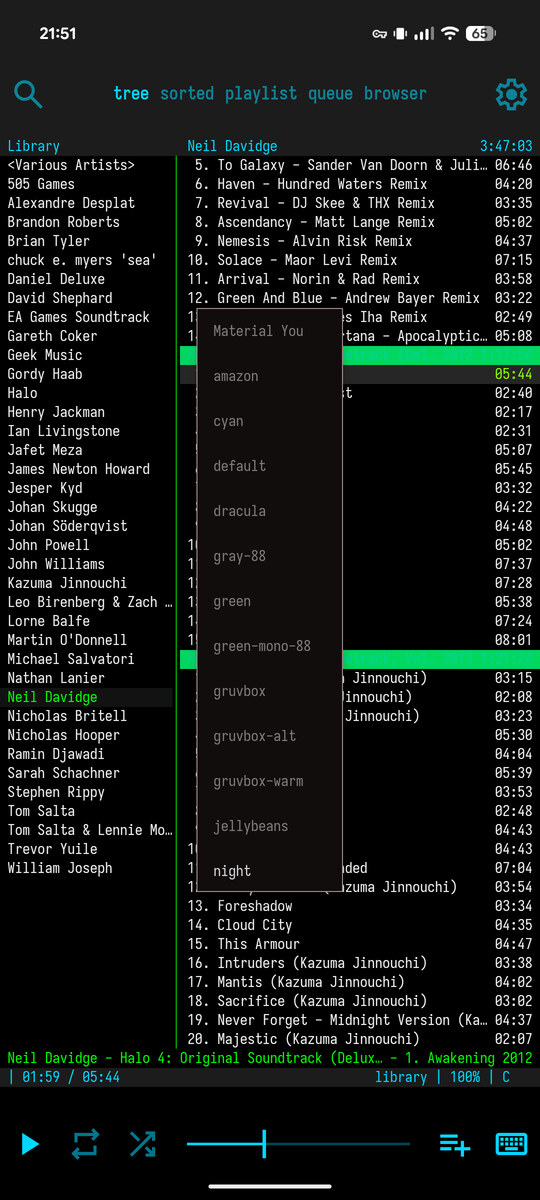
The app chrome uses the colors from the active cmus theme. There is also a Material You cmus theme which follows the system colors.
Fonts
Including Iosevka, Fira Mono, IBM Plex Mono, JetBrains Mono, Roboto Mono, or the system font. The font size can be changed by pinching.
External storage
Plays music files from the MediaStore, or from anywhere else with the optional all-files permission. Library paths are relative to the data dirs, so import and export work correctly.
Codecs
FLAC, Vorbis, Opus, MP3, WavPack, AAC, MP4, WAV, and CUE sheets using built-in decoders.
Open source
GPL-2.0, no ads, no tracking, and reproducible builds.
Screenshots
What's new
Version 7
- Update to cmus v2.13.
- Fix crash on invalid opus/wavpack files.
- Fix crash on some invalid UTF-8.
Version 6
- Update app metadata.
Version 5
- Update cmus.
- Improve joystick acceleration.
- Improve import/refresh action descriptions and usability.
- Fix stuck colors when switching to certain themes.
- Fix crash on some multi-channel files.
- Internal refactoring and cleanup.
Version 4
- Fix F-Droid build reproducibility.
Version 3
- Reproducible release builds.
Version 2
- Internal build improvements.
Version 1
- First release.